Children
For school, sport, outings, travel and those unexpected moments when a child becomes separated from their Guardian.
 Login ↗
Children. Adults. Seniors. Pets.
A SafeLink wristband or tag helps a finder make a protected connection with the right Guardian without requiring your private contact details to be displayed publicly.
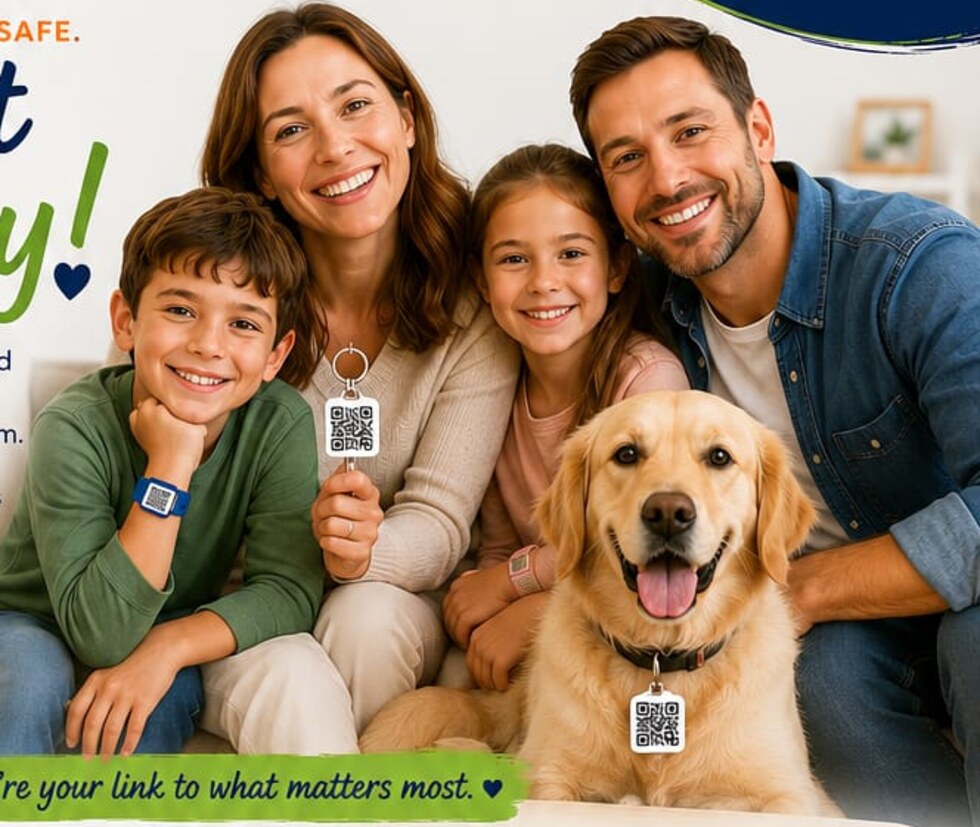
One SafeLink. Every member of the family.
SafeLink is designed for people and pets who may need someone else to help make the connection when they cannot do it themselves.
For school, sport, outings, travel and those unexpected moments when a child becomes separated from their Guardian.
An additional connection option for adults when circumstances make normal communication difficult.
A simple way to help reconnect an elderly or vulnerable loved one with the people responsible for them.
Help a finder reach the owner of a lost pet without requiring private household contact information to be printed on the tag.
How SafeLink works
SafeLink keeps the public-facing process deliberately simple. The technology behind it remains securely within the SafeLink platform.
Your registered SafeLink wristband or tag is linked to the appropriate protected profile.
A finder uses an ordinary compatible smartphone to scan the QR code or use NFC. No dedicated scanner app is required.
The finder can start a protected SafeLink interaction without needing your personal phone number or email address.
Meet your SafeLink guide
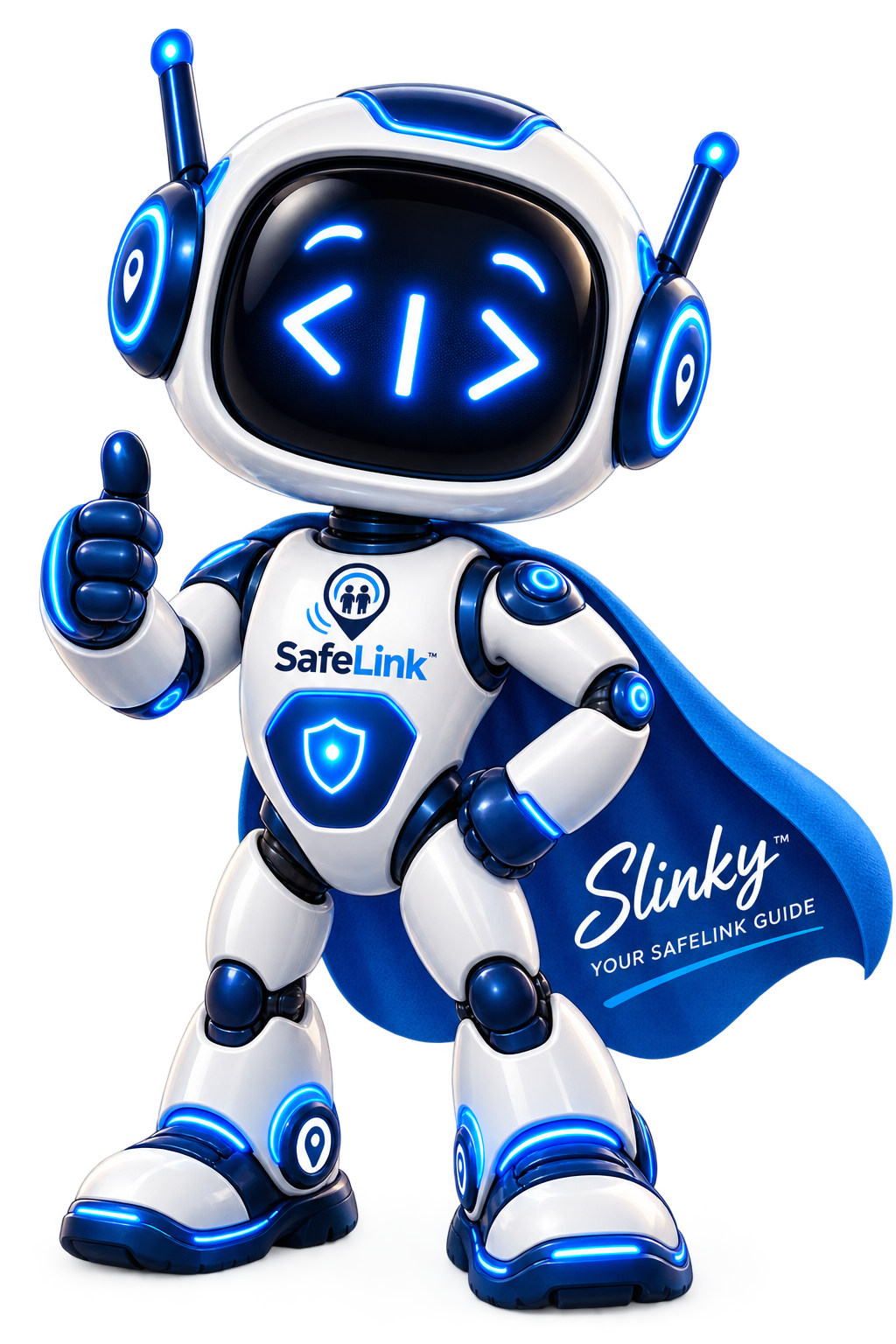
Your friendly guide to SafeLink.
Slinky helps explain how SafeLink works, what happens when a SafeLink is scanned or tapped, and what you should do next.
He keeps the experience simple while the SafeLink platform works behind the scenes to help create a protected connection.
See SafeLink in action
SafeLink is designed to reduce confusion at the moment someone needs help. The finder gets a clear next step while the Guardian remains connected through the SafeLink environment.
No public phone number. No public email address. No special scanner application.
More than a QR code
A conventional identification tag may expose a telephone number, address or other personal details. SafeLink is designed differently.
A Guardian's personal contact details do not need to be displayed publicly on the SafeLink product.
Multiple ways to start the SafeLink connection using a compatible smartphone.
The finder should not need to download a specialist SafeLink scanner application before they can help.
The connection is managed within the SafeLink environment rather than requiring personal contact details to be exchanged.
Customers who want additional human support can add SafeLink Assistance on a monthly or annual plan.
Designed around South African families, communities and real-world conditions.
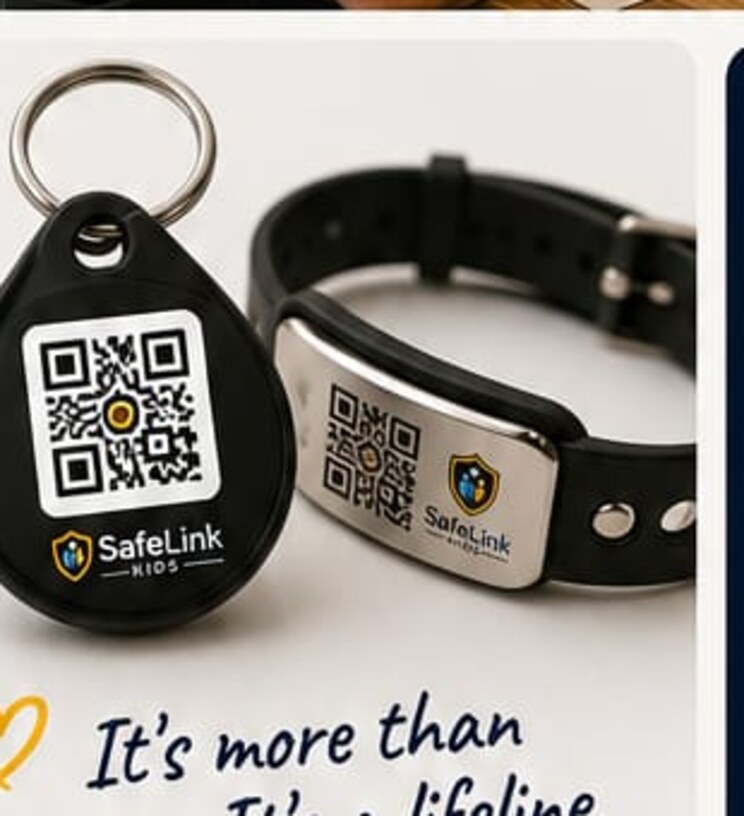
Choose your SafeLink
SafeLink physical products are purchased once-off and can be registered to the appropriate protected profile.
Optional SafeLink Assistance
SafeLink Connect is included with your SafeLink. SafeLink Assistance is optional and can be added during purchase or later.
Choose monthly or annual billing.
For 1 active SafeLink.
View Individual Assistance →Choose monthly or annual billing.
For up to 6 active SafeLinks.
View Family Assistance →SafeLink Assistance is optional. SafeLink Connect remains included with your SafeLink.
Privacy by Design
SafeLink is designed so a finder can start the connection without requiring the Guardian's private telephone number or email address to be displayed publicly.
SafeLink uses private product labels, role-controlled access and event-based location requests. Location is only requested for the relevant SafeLink workflow and is shown only to authorised users. The Finder is not shown the Guardian's location.
Routine temporary information and formal incident records follow different retention rules. Access to operational, location and incident information is restricted to authorised roles.
Privacy & POPIAWhen additional assistance is needed
SafeLink is a safety technology and communication intermediary. We are not a private security company, armed-response provider or law-enforcement agency.
Where the applicable SafeLink service provides for additional support, our Operations environment can assist with communication and appropriate escalation.
The Guardian remains central to the SafeLink relationship and can use their own emergency contacts and support providers as circumstances require.
Where circumstances warrant it, the next step may include contacting a private security provider or the appropriate public emergency service.
In South Africa, appropriate public assistance may include the South African Police Service (SAPS) where police assistance is required.
SafeLink does not replace SAPS, emergency medical services or a contracted private security provider.
SafeLink Kids
Children. Adults. Seniors. Pets.